If, Else, Else If and Using “i” as Your Default Counter Variable

Image

In today’s lessons, we learned about what happens when you need two conditions.

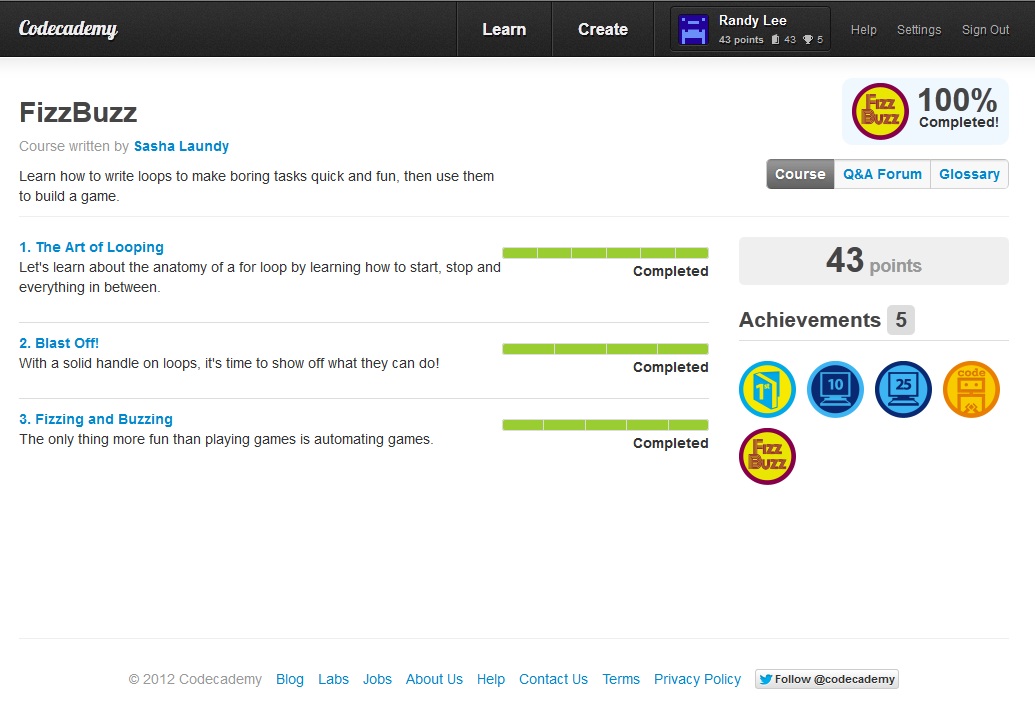
I learned code to count from 1 to 20 and then to add an if/else statement so that each number divisible by 3 is changed to “Fizz”

Remember that semicolons are terminators and basically they only go on the end of statements inside curly mustache brackets { and }

Also, a lesson in the unwritten code of programming conduct, i is typically used when you want to use a variable to count things. In this case we want to use i because the FizzBuzz exercise calls for us to count from 1 – 20.

We learned how to set conditionals in the last lesson so here we go

for (a=1; a<=20; a++)

As a reminder, the first conditional (remember each conditional is seperated by a terminator, the god damn semicolon) means our counter starts at 1, then a<=20 means that whatever happens WHEN our statement is true, it will ONLY happen when a is less than 20 or equal to 20. After that, a++ means that each time our statement is true, we add 1 to a which we started at 1.

Because we need 3 things to happen
Fizz when number is divisible by 3
Buzz when number is divisible by 5
FizzBuzz when number is divisible by 15

We need some way to set up 3 conditions after we state our for statement.
Because program runs code in the order it’s written, we have to make sure that we put the FizzBuzz when numbers are divisible by 15 first.

This is because if we don’t, our code will print out Fizz or Buzz whenever anything is divisible by 15. Why? Because 15 is divisible by both 3 and 5.

We learned that 2 conditions call for if/else. When we need a third condition, we put it in between if and else calling it else if. So our code would call for
if (random condition)
{ (what happens during if if statement is true);}
else if (random condition)
{ (what happens during else if statement is true);}
else
{ (what happens if neither if or the else if statement is true);}
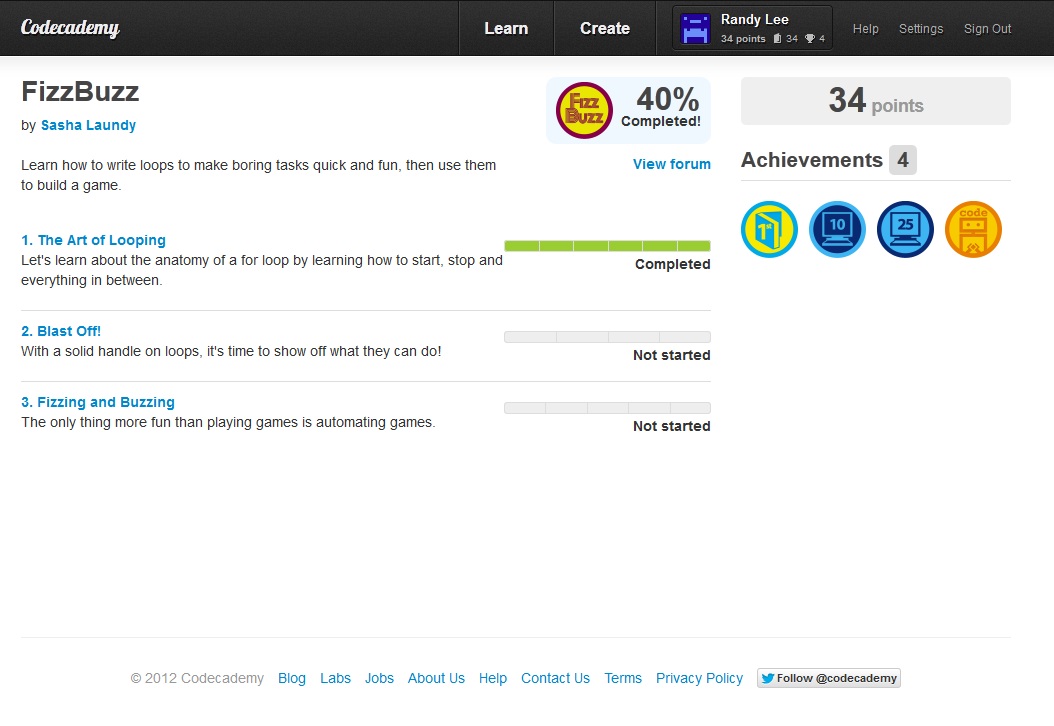
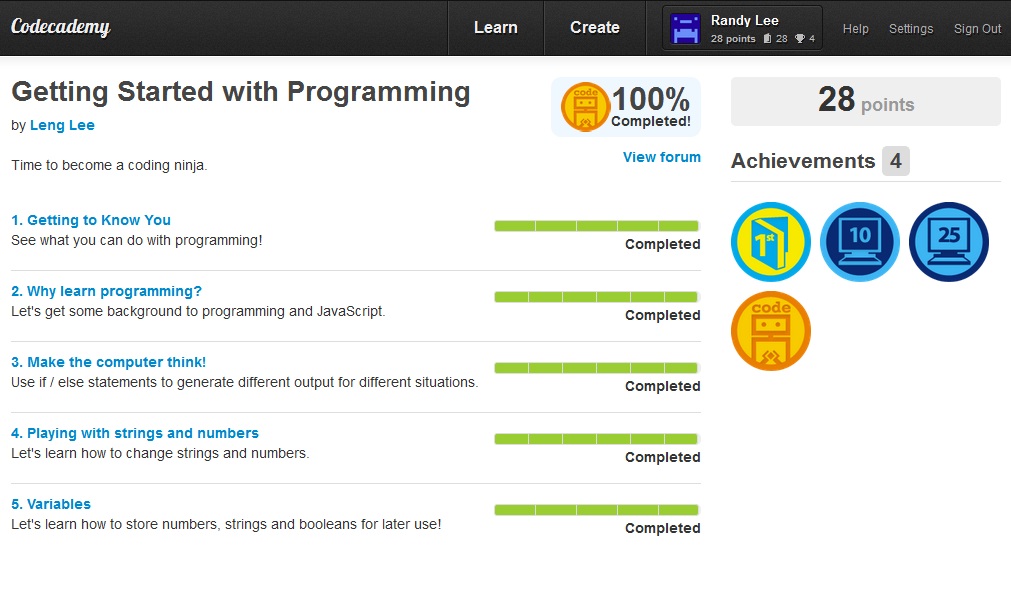
Whatever a FizzBuzz is…

In today’s lessons, I investigated the for statement.

Image

To use the for statement, you type in for(3 statements go here), then the typical { and } (example shown at the end of entry I swear!). The code inside the curly mustache brackets execute if the 3 statements in your parenthesis are true.

One thing to remind anyone reading is DO NOT GO HEAVY WITH SEMICOLONS. If you run for loops with semi-colons in the wrong places, you’ll get operand or illegal xml errors.

Also another thing to keep in mind is to make sure your statements in your for loop are logical. If they aren’t, you risk running infinite loops that will crash out your internet explorer when you test run code.

Inside the for loop, you have parenthesis that tell javascript what makes your statement true.

As an example use the variable “a”.
(a=1; a=<5; a++)

Notice that I did not put a semicolon after the “a++”

If you do, you are telling javascript to end your for statement there and you do not want that to happen.

The first a says, hey let’s start at 1.

The second is a conditional, it says, hey only run the code until a is less than or equal to 5.

The third, tells us that starting from 1, javascript will add 1 to 1 and poop out a number.

If you run your code correct, you will get prompts that say

1

2

3

4

5

It starts and ends with 5, adding 1 each line just as we told it to. Another thing to keep in mind is the console.log statement. We can make it print this out by

for(a=1; a<=5; a++)

{

console.log(a);

}

Notice semicolon at end of console statement.

Tweaking it you can make it start at 3, 100, 1000, or go in increments of 5, or use “-=” to make it decrements of 5 or whatever you choose!

Finishing Intro to Java Programming by Leng Lee

Image

Wow, first and foremost, **** the if and else statement. If you ever debug and you get “missing operand” it’s because you’re getting too used to ending lines of code with the semicolon. DO NOT end the line that contains your if or else statements with the semicolon.

You will end up sitting in your chair scratching your head for hours like I just had to. I’m sure this doesn’t happen to everyone but just in case there is someone else out there, even if it’s one person, I hope you read this.

Then end of Leng Lee’s intro to javascript programming is great. He does a great review and makes you go over

setting variables
substrings
if/else
modulos

The new thing I’ve learned today is the substring command and the modulos.

setting a substring coordinate value after a string will make javascript give you the letters within the coordinate value.

We know in the string “hello” that h corresponds to 0 because java starts numbering things at 0, not 1.
e = 1
l = 2
the second l = 3
o = 4

so if we say console.log(“hello”.substring(3,4);

your browser will prompt you with a window that says “lo” because l is the 3rd letter and 0 is the 4th letter as far as java knows.

Remember that java numbering starts at 0, not 1.

As for modulos, typing in 12 % 5 divides the two number BUT only displays the remainder. Asking for the math between 12 and 5 with the modulus symbol, %, will give you the number 2 because 2 is the remainder after 12 divides by 5.


Code Academy pt.II

Because I liked Code Academy sooooo much, I decided to do my first more immediate tutorials with their tutorials. 

The first thing that piggy banks off of booleans is using the funny looking moustache brackets: { and }

The brackets are used together with true or false statements.

for example

for your true/false statement
if “Randy_Lee”.length > 8 

When the statement randylee.length greater than 8 is true, whatever happens in the { } that follows it will happen. If you put a string in the { }, the string will display. If your statement before the curly brackets isn’t true, it will skip the statement inside the brackets completely and move on to the next lines of code.

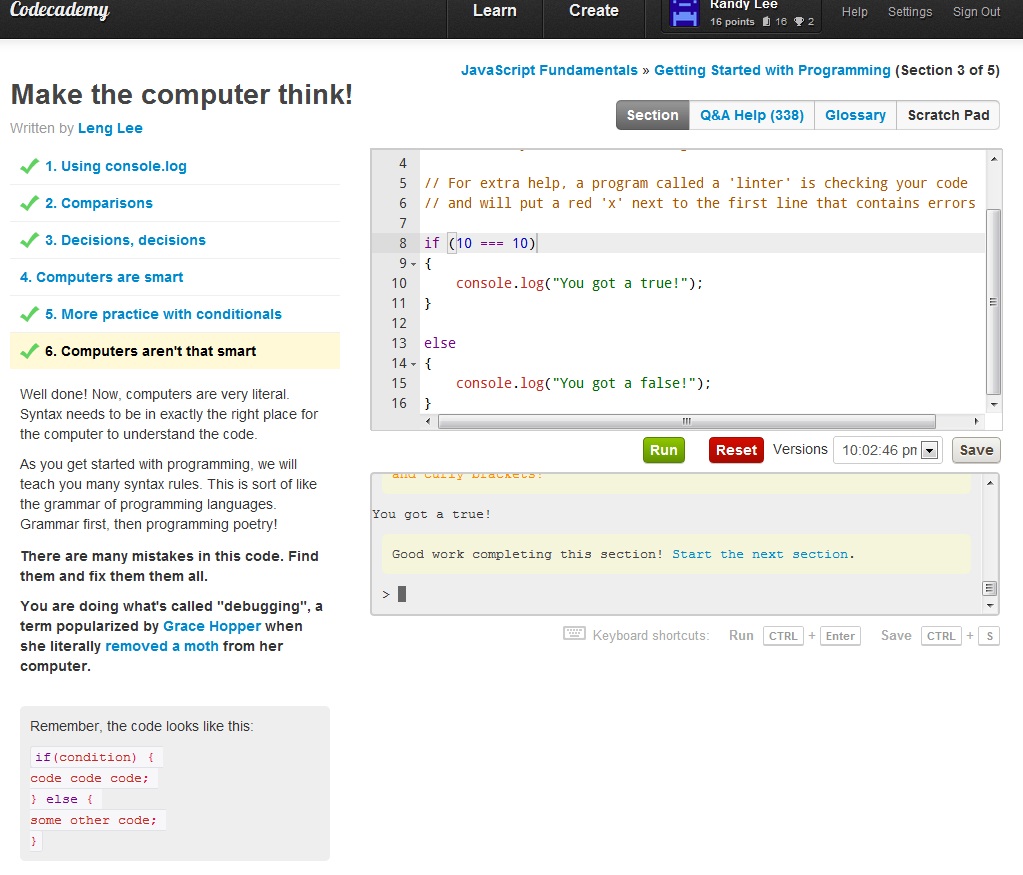
Also, another great aspect of Code Academy is it’s section on debugging. It’s great to let noobs like me know that if I did get a career in coding, I might have to debug. It has a part where they use a lot of wrong syntax and it’s up to you, the noob coder, to fix all of the mistakes like parenthesis in wrong places or the curly mustache brackets.

Image


Well that’s all for today. 2 posts…. phew. 

Following the directions on the website are a bit hard so I also wouldn’t suggest this for newbies. I still stand by the reason that if you’ve never coded before in your life that you should at least take a class first. After you get down the logic and syntax down, it makes these websites sooo much easier to understand and learn from. 

Code Academy

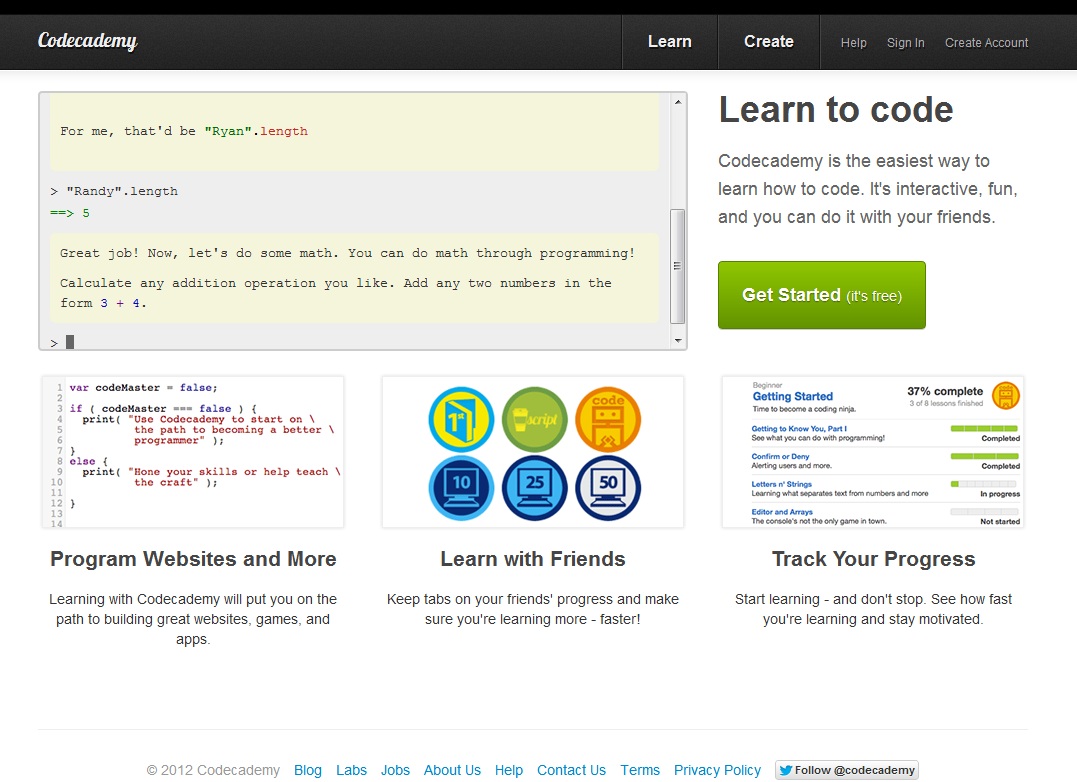
Created by two guys named Zach and Ryan because they were frustrated by common pitfalls not explained well in videos and guides, Code Academy is my next venture into the teaching myself more about programming.

Image

I was guided to this website somehow from mozilla’s homepage so I’m assuming they’re backed by mozilla as well as chrome because if you try to use this resource in internet explorer, you’ll get an alert telling you your browser is incompatible with Code Academy.

My first experience with Code Academy was great. The directions come on the side, right next to a built in javascript editor so you can edit while reading the directions. In past blog entries, I had to split screen videos next to my notepad++ editor which was terribly inefficient. I would have to fullscreen the video so I could see the all of the terrible 480p coding, while minimizing my notepad++ window as small as possible to the side so I could still see the video in good enough quality.

The first thing I did in Code Academy was run through the basics again. 

// denotes comments and aren’t ran as javascript programming

prompt( prompts the user to type something in. It’s basically a sweeter version of alert(

.length displays the amount of letters in the word that precedes it in quotation marks

numbers are quantities, you can write code with numbers to make it do math for you

strings are sequences of characters AND numbers

boolean are evaluated as true or false statements

Of all the learning tools so far that teach you logic for true or false statements, I like Code Academy the best so far. Most tutorials just say the usual “booleans means true/false herp derp”, Code Academy actually forces you to test it out in section III of the tutorial.

Something new I’ve encountered in this tutorial is a command called console:
console.log()
 

That’s all for this entry. I’ll go into more today in the next one to cover things that weren’t so review. I’ve familiarized myself with the basics and now I have to create progress by diving into aspects of java that I don’t know yet.


Logic and Arrays

Today I decided to return to lifehacker for my coding lessons. I liked the layout of their website and the sound of the guy who teaches, Adam Dachis, doesn’t put me to sleep. 

First off, it’s a good idea to read the text first that goes with the video if you’re a newbie at coding. Also, I’ve quickly discovered that being a VERY fast typer as well as typing without having to look at the keys is almost essential in these fast-paced videos.

The definitions that I am getting into today is that of an array and the logic that can be used with them. 

The array command can be brought up with myArray = newArray(); 

Arrays are used to store data, but unlike variables, they can store more than one piece of data.

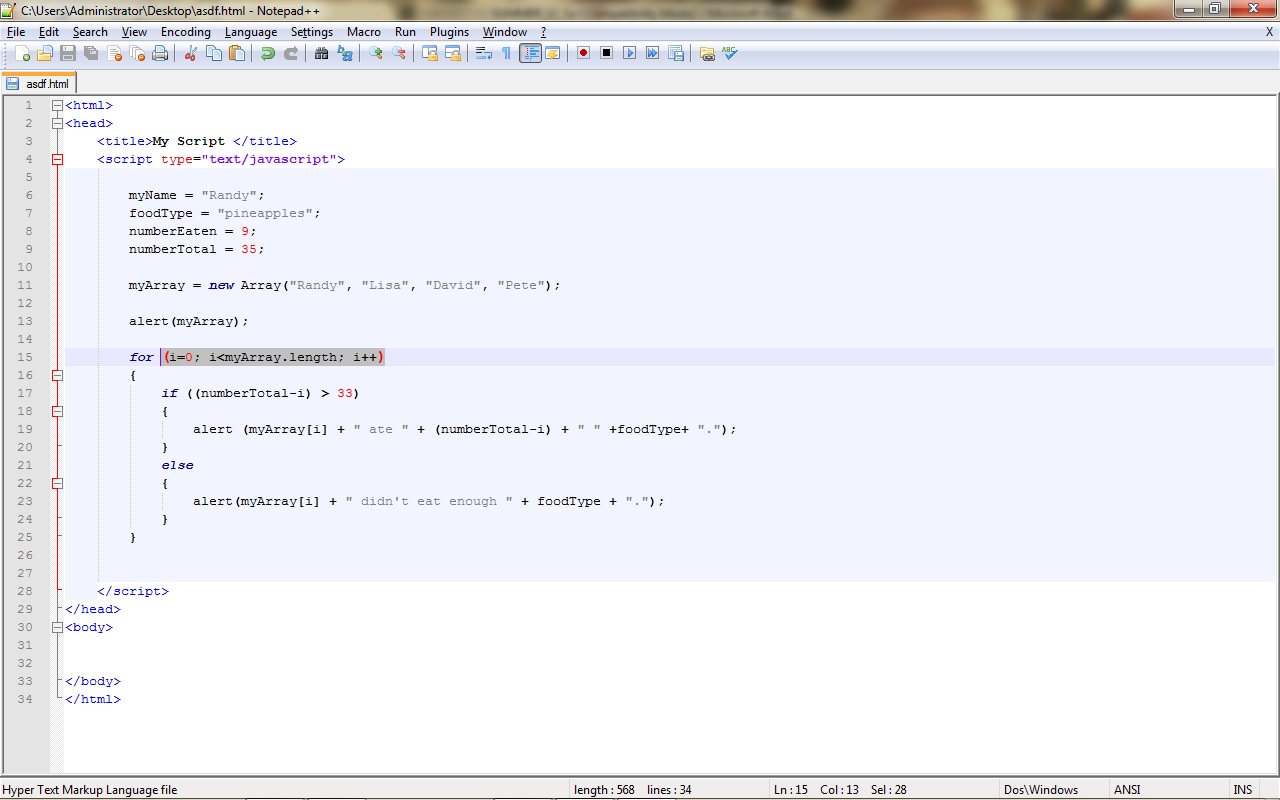
In the array I created, I stored 4 names inside of it. Using the alert command from the very first lesson in lifehacker, we can create an alert that lets us know how many pineapples each person ate in the array. 

Adam teaches the commands,

 (i=0; i<myArray.length; i++)

in this lesson, he’s saying that i is starting at 0 because how java works is that the first name in the array, (Randy), is set to 0. By starting at 0, we start at the name Randy in the array. We state that for the length of the array (4 names that start at 0, 0 = randy, 1 = next name, 2 = etc.) for each name, we add 1 to it with the statement i++.

Image

With the if/else loop, we can also add in alerts to appear ONLY when the amount of pineapples eaten is greater than 33. This is demonstrated by adding

if ((numberTotal-i) > 33)
{

            alert (myArray[i] + ” ate ” + (numberTotal-i) + ” ” +foodType+ “.”);}

else
            {alert(myArray[i] + ” didn’t eat enough ” + foodType + “.”);}
}

 This is a great way to explore how to intertwine the use of logic and arrays. By using logic, we can greatly customize how data is re-called for the user to see.