
Wow, first and foremost, **** the if and else statement. If you ever debug and you get “missing operand” it’s because you’re getting too used to ending lines of code with the semicolon. DO NOT end the line that contains your if or else statements with the semicolon.
You will end up sitting in your chair scratching your head for hours like I just had to. I’m sure this doesn’t happen to everyone but just in case there is someone else out there, even if it’s one person, I hope you read this.
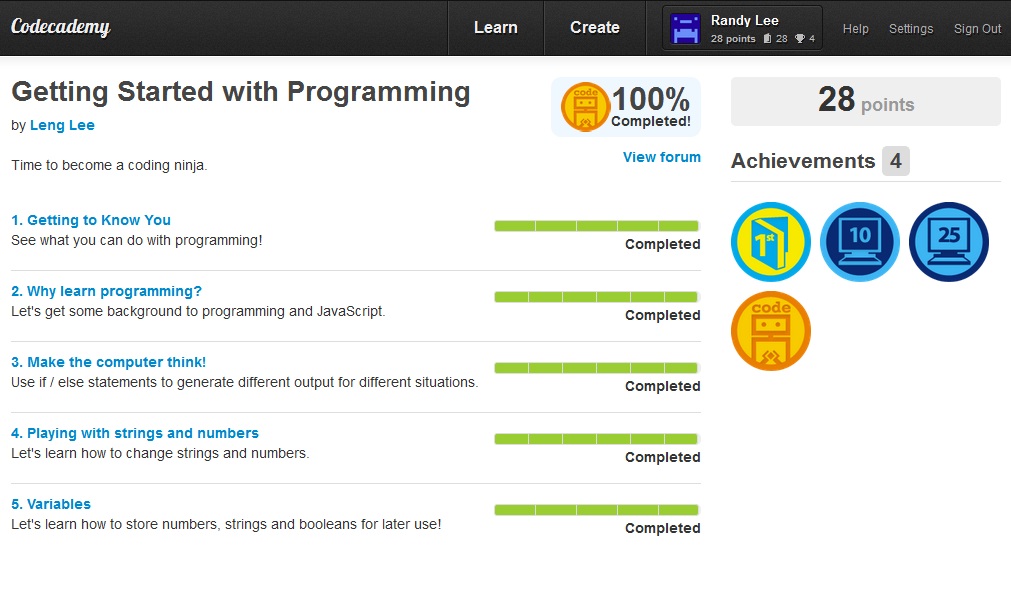
Then end of Leng Lee’s intro to javascript programming is great. He does a great review and makes you go over
setting variables
substrings
if/else
modulos
The new thing I’ve learned today is the substring command and the modulos.
setting a substring coordinate value after a string will make javascript give you the letters within the coordinate value.
We know in the string “hello” that h corresponds to 0 because java starts numbering things at 0, not 1.
e = 1
l = 2
the second l = 3
o = 4
so if we say console.log(“hello”.substring(3,4);
your browser will prompt you with a window that says “lo” because l is the 3rd letter and 0 is the 4th letter as far as java knows.
Remember that java numbering starts at 0, not 1.
As for modulos, typing in 12 % 5 divides the two number BUT only displays the remainder. Asking for the math between 12 and 5 with the modulus symbol, %, will give you the number 2 because 2 is the remainder after 12 divides by 5.
 thinlyspreadjavascript